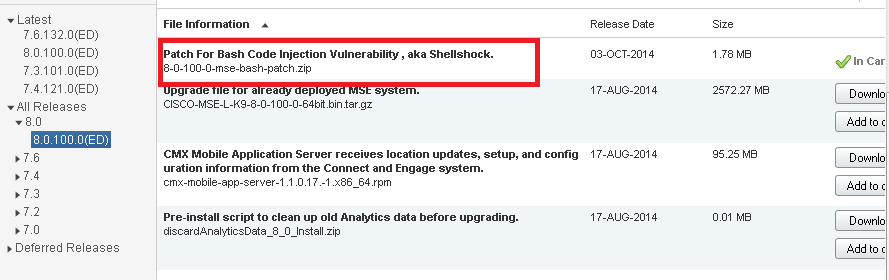
- Download the patch from Cisco.com
- Backup the MSE via cisco prime. Refer to my post step 12 and 13
Cisco Wireless: Upgrading MSE from v7.5 to v8.0 via Cisco Prime
- SSH to the MSE
- Stop the MSE software

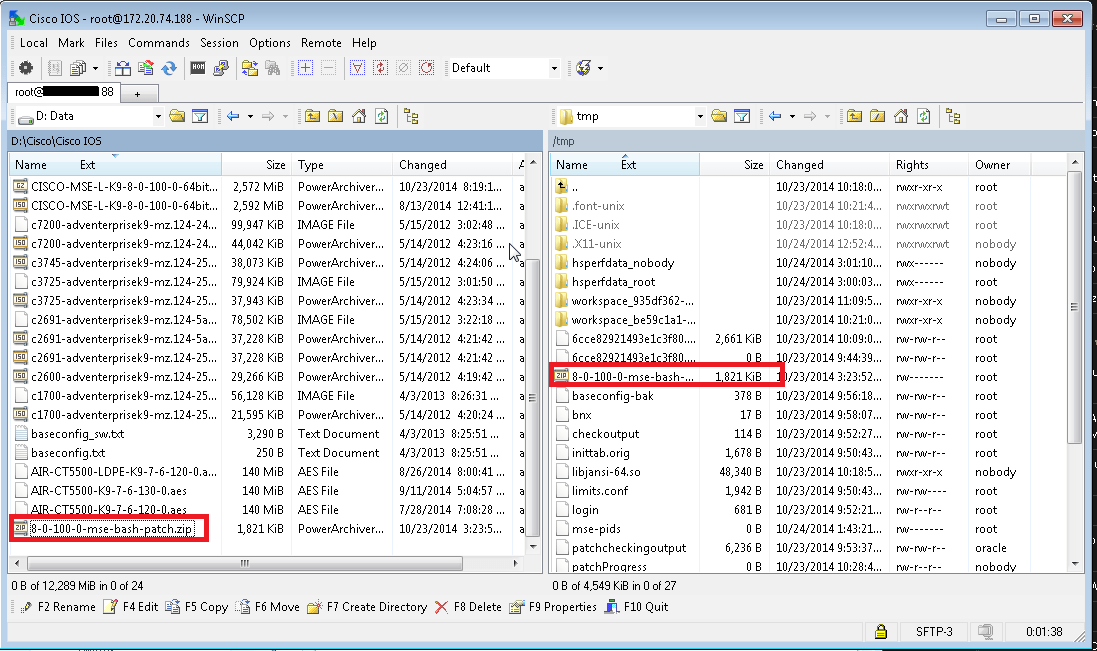
- Copy the downloaded file, mse-bash-patch.zip to the /tmp directory on MSE
- Login to the MSE as root and navigate to /tmp directory

- Unzip the files

- Perform patch

- Start MSE
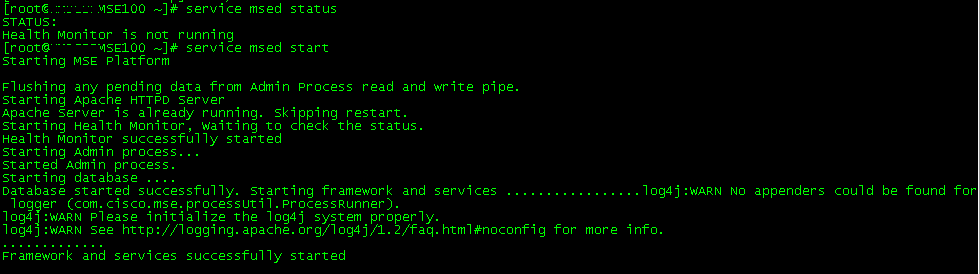
- Verify MSE status from
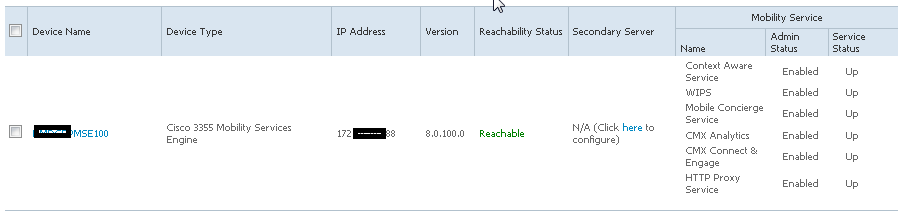


And that is all 🙂

 CyberSecFaith