Go to Product Licence Registration portal in Cisco.con
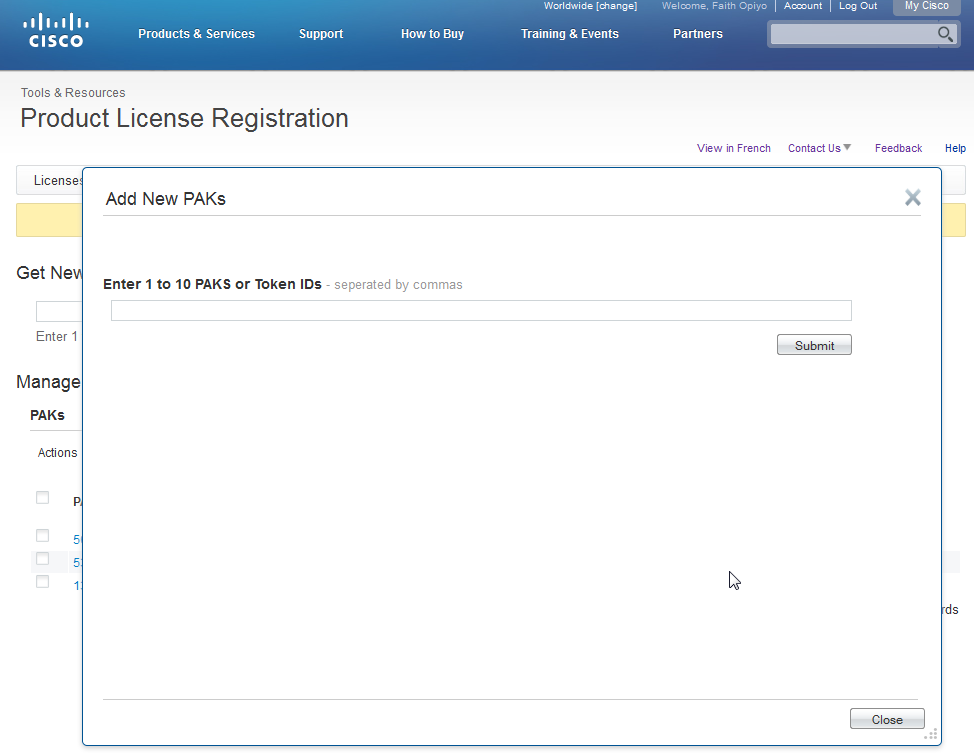
Add the PAK file that you received from Cisco
Once added, your PAK files will appear here
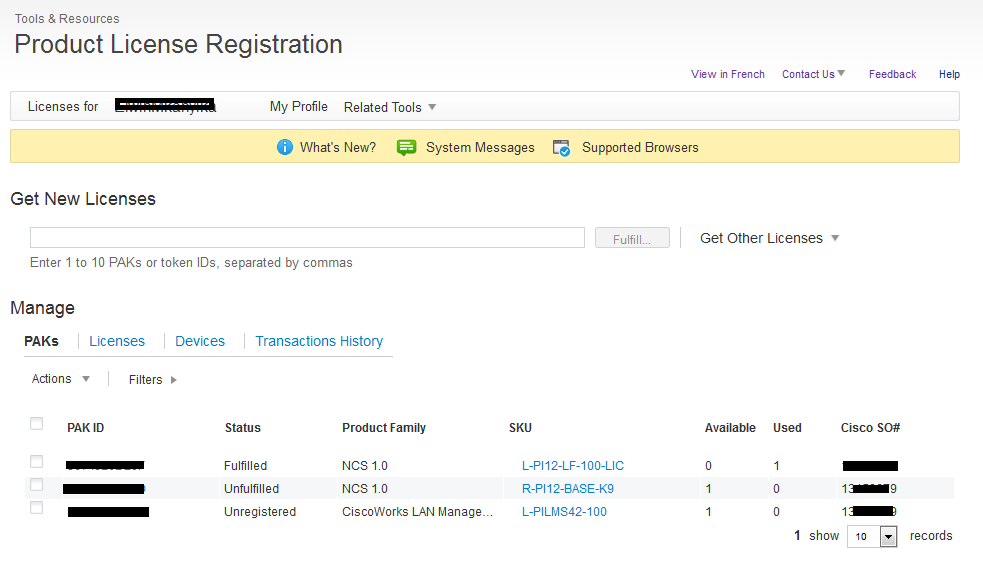
To get the licence file, click on the PAK that you need and click on get licence.

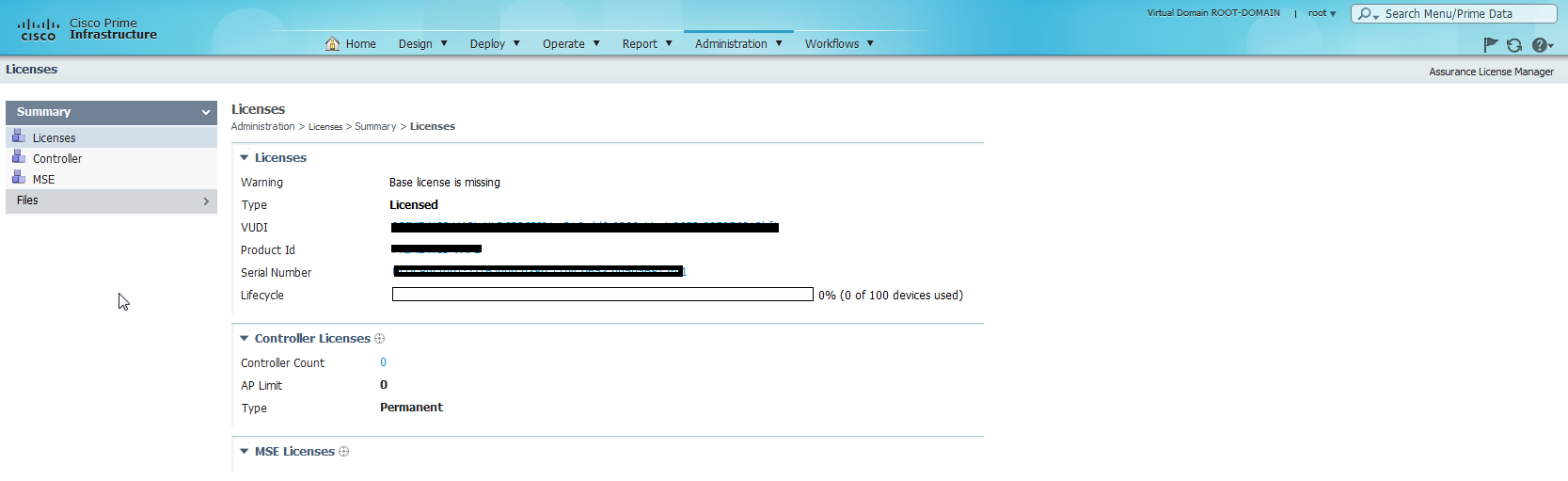
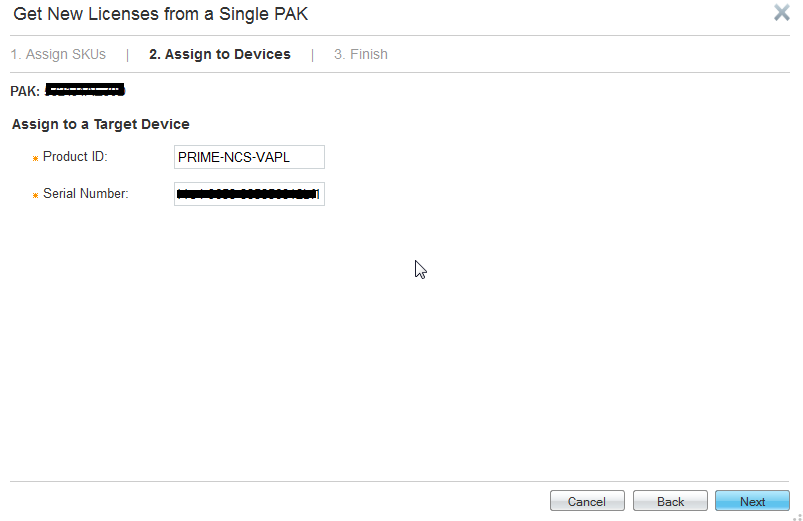
You are required to fill in Product ID and Serial number details. These are available from Cisco Prime
Fill in the required details
Details on where to send the licence
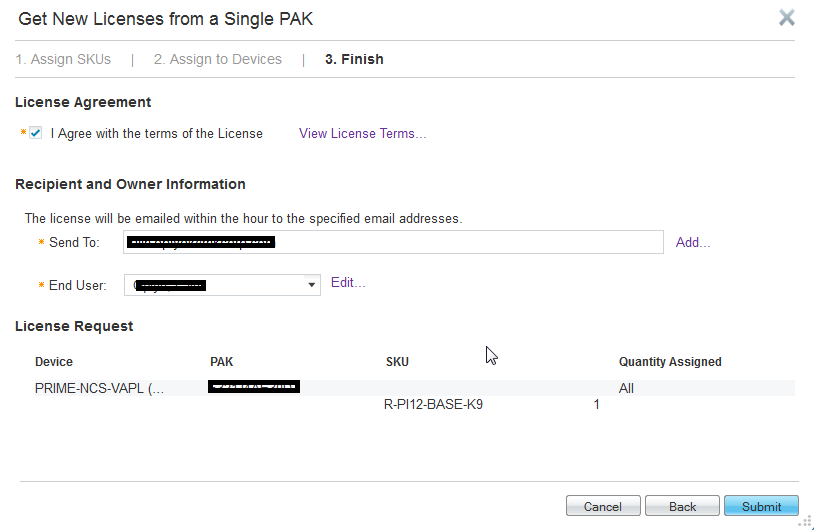
The licence file is sent as an email attachment to the specified address. Save the file to an accessible folder. Add the file. Once added you will be required to login once again

That’s it . See you in my next post 🙂

 CyberSecFaith